

AI teammate that lives in Slack and Teams, integrating with tools to complete real work

ChatGPT For Excel
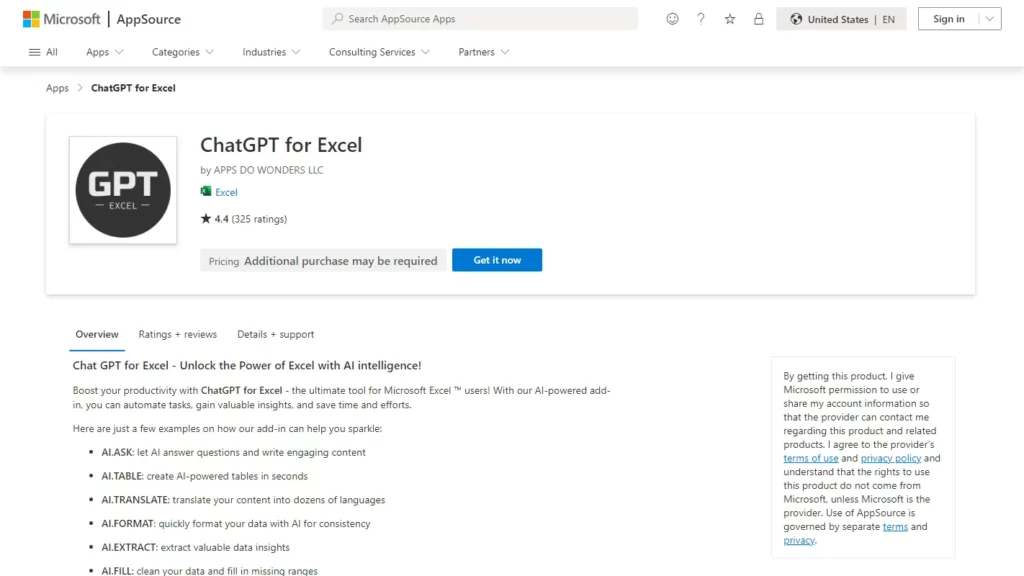
Automate tasks, gain insights, save time using powerful Excel add-ins.
- Pricing
- Paid · OpenAI Tokens
- Monthly traffic
- 737.1k
What is ChatGPT For Excel?
ChatGPT for Excel is an AI-powered add-in developed by APPS DO WONDERS LLC designed to enhance productivity for Microsoft Excel users. The tool offers various features such as automation of tasks, data analysis, language translation, and data formatting using AI models like GPT-3.5 Turbo, GPT-4, and GPT-4 Turbo. Users can choose between two plans: Starter, which covers OpenAI costs and pays for usage, and Pro, requiring an OpenAI API key and credits on the user's account. Both plans grant access to the latest AI models. The add-in allows reading and modifying documents and sending data online.
⚡Top 5 ChatGPT for Excel Features:
- AI.ASK: Let AI answer questions and write engaging content.
- AI.TABLE: Create AI-powered tables in seconds.
- AI.TRANSLATE: Translate your content into dozens of languages.
- AI.FORMAT: Quickly format your data with AI for consistency.
- AI.EXTRACT: Extract valuable data insights.
⚡Top 5 ChatGPT for Excel Use Cases:
- Automating Tasks: Automate repetitive tasks such as data entry or report generation.
- Data Cleaning: Clean and preprocess data before analysis.
- Language Translation: Translate documents or data into different languages for global collaboration.
- Insight Generation: Generate insights from large datasets using AI algorithms.
- List Outputs: Generate list outputs in separate rows for easy data manipulation.
View ChatGPT For Excel Alternatives And Related Tools:
Multi-agent AI platform that builds full-stack apps, SaaS & websites
Work order & facilities management with smart routing, scheduling & analytics
Local AI agent that automates email, calendar, coding, and tasks via your favorite chat apps
Agentic workspace with visual canvas, knowledge base, and AI editing for content creation
AI agents for automation, collaboration, document handling, and content creation.
Decomposes prompts across top AI models and synthesizes one comprehensive answer.
Create and edit visuals, video, chat, and code with unified AI tools.
SEO automation, content optimization, and analytics for better digital marketing outcomes
Captcha-solving service offering quick, reliable automation through API and browser integration
AI powered emails: newsletters, automated categorization, and optimized delivery.
AI for structured invoice management, Gmail extraction, secure storage, and data privacy









Is this your tool? Add the “Featured on Powerusers” badge to your site

<a href="https://powerusers.ai/ai-tool/chatgpt-for-excel/?utm_source=badge-featured&utm_medium=badge&utm_souce=badge-chatgpt-for-excel" target="_blank"><img src="https://powerusers.ai/wp-json/tools/v2/featured.svg?theme=light&tool_id=32065" alt="powerusers" style="width: 250px; height: 54px;" width="250" height="54"></a>