

Encrypted email with AI writing assistance, alias management, and data safety

Cmd J
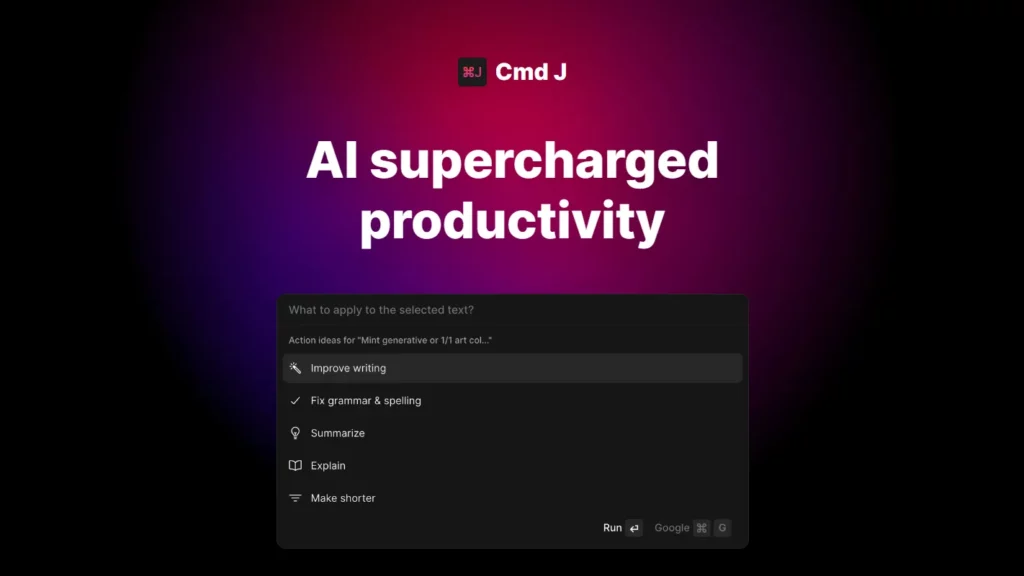
Write, code, blog faster with intuitive productivity tools.
- Pricing
- Freemium · $9/mo
- Monthly traffic
- 12.8k
What is Cmd J?
Cmd J is a Chrome extension that integrates ChatGPT into various platforms such as Google, StackOverflow, and Gmail. It aims to enhance productivity by providing a keyboard shortcut (Cmd/Alt + J) for tasks like improving writing, generating blog posts, fixing code bugs, getting code explanations, and even writing emails. Users can benefit from instant responses, human-like answers, and improved social media engagement. The extension offers both free and premium plans, with varying levels of access and features.
⚡Top 5 Cmd J Features:
- AI Supercharged Productivity: Improve your writing, get answers to code questions, and generate blog posts with ChatGPT keyboard shortcut.
- Native Email Writing: Write emails like a native speaker with confidence in your grammar, spelling, and writing style.
- Code Bug Fixes: Fix code bugs 10x faster by getting code explanations and answers to hard issues not answered on StackOverflow.
- Draft Generation: Start writing with a draft for your social media or blog if you are stuck. Just press Cmd/Alt + J to start.
- Human Answers in Google: Get human-like answers to your searches instantly without searching through pages of Google results.
⚡Top 5 Cmd J Use Cases:
- Improve Writing Skills: Improve your writing skills by using ChatGPT keyboard shortcut to rewrite text just by pressing Cmd/Alt + J.
- Code Assistance: Quickly get code explanations and answers to hard issues not answered on StackOverflow by pressing Cmd + J.
- Social Media Content Creation: Generate post drafts for your social media or blog if you are stuck. Press Cmd/Alt + J to start.
- Email Writing Support: Write emails like a native speaker with confidence in your grammar, spelling, and writing style.
- Search Efficiency: Get human-like answers to your searches instantly without searching through pages of Google results.
View Cmd J Alternatives And Related Tools:
Generate structured, citation‑rich academic essays, complete with authenticity reports.
Email marketing tool for campaign creation, automation, analytics, and list management
AI powered emails: newsletters, automated categorization, and optimized delivery.
Free AI tool to rephrase text, enhance clarity, and avoid plagiarism with different writing modes.
Transforms text into reusable templates. Over 100 starter templates and an adaptive editor.
Automate code reviews, predict sprint delays, and analyze metrics.
Craft unique text designs, adjust fonts, colors, sizes, special effects
Save time, generate revenue with unlimited warmups, cold emails.
Fast & easy message creation, customizable templates, integration.
Write emails 10x faster with powerful assistant and language support.




Is this your tool? Add the “Featured on Powerusers” badge to your site

<a href="https://powerusers.ai/ai-tool/cmd-j/?utm_source=badge-featured&utm_medium=badge&utm_souce=badge-cmd-j" target="_blank"><img src="https://powerusers.ai/wp-json/tools/v2/featured.svg?theme=light&tool_id=32118" alt="powerusers" style="width: 250px; height: 54px;" width="250" height="54"></a>